Getting clean scans and photos
Most registrations that stall do so because a document cannot be read, not because it is wrong. A few minutes of care at this stage saves days of back-and-forth.
- Use a scanner or a scanning app rather than an ordinary photo where you can. Scanning apps flatten the page, correct the angle and save a PDF.
- Photograph in daylight, flat on a dark surface, with the camera directly above the page. Avoid a desk lamp, which leaves a bright spot, and avoid the flash on laminated cards.
- All four corners in frame. A cropped edge can hide an expiry date, a policy number or a stamp, and a document with a missing corner is usually sent back.
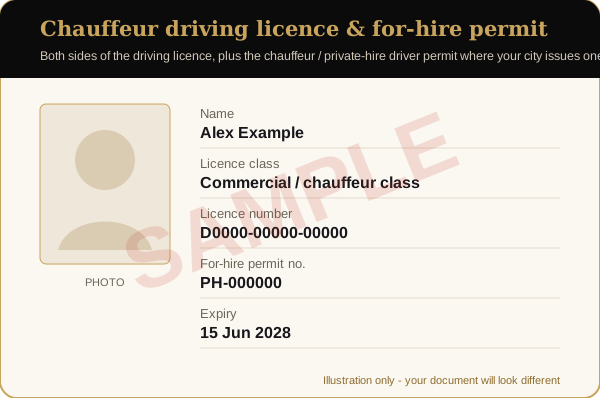
- Both sides of every card. Many licences and permits carry conditions, categories or endorsements on the back.
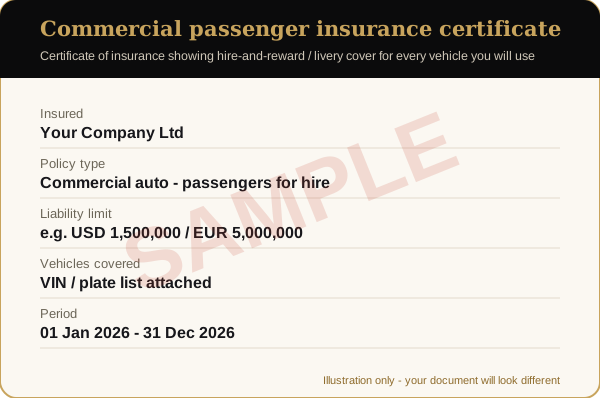
- Every page of multi-page documents. Insurance certificates often list the vehicles on a schedule on the second or third page; send the whole certificate, including the schedule.
- Readable at normal zoom. Open the file on a phone before you send it. If you cannot read the smallest print, neither can the partner manager.
- Original files, not screenshots of screenshots. Each re-capture loses sharpness.
Photos of vehicles and chauffeurs
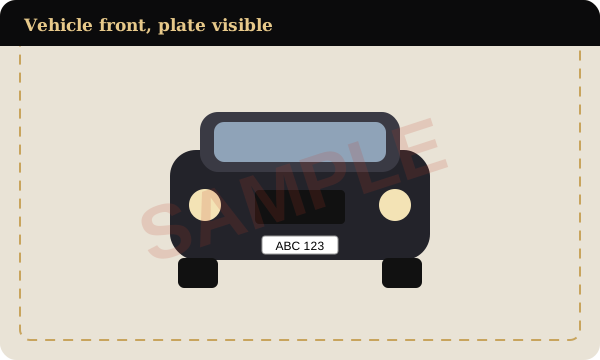
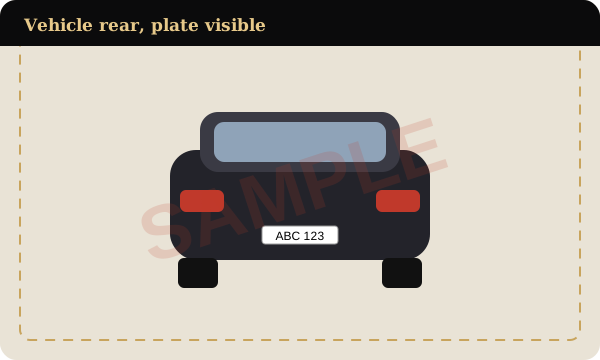
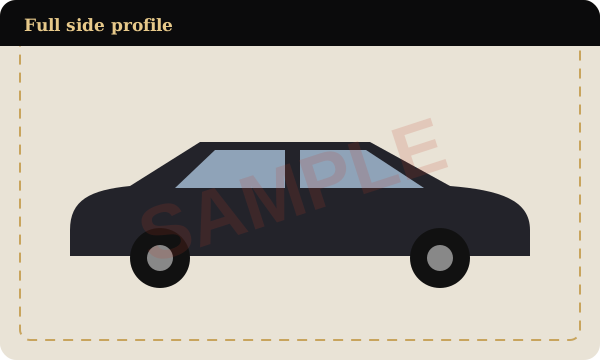
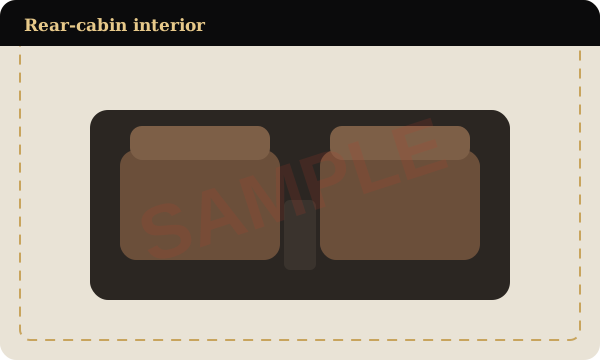
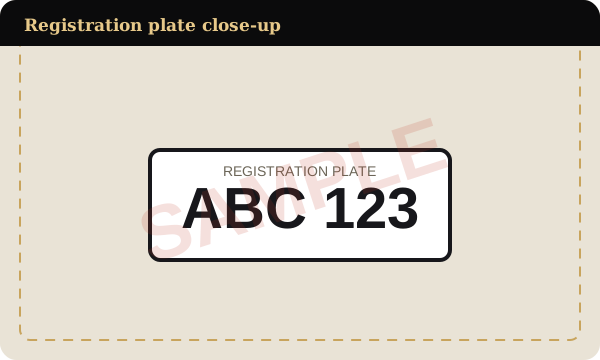
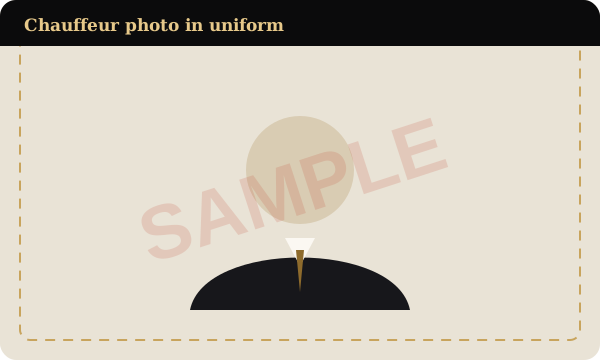
Vehicle photos should be taken in daylight, with the whole vehicle in the frame and the plate readable, after the car has been cleaned. Take the interior photo from the rear door, at the height a passenger sees it, with the rear seats, the floor mats and the back of the front seats visible. Chauffeur photos should be a clear head-and-shoulders or full-length photo in work dress, against a plain background, with no sunglasses or hat.
Naming and sending the files
Give each file a name that says what it is and whose it is: company-insurance-2026.pdf, plate-ABC123-registration.pdf, driver-name-licence-back.jpg. Keep one document per file. Send them by email after you register, and split anything larger than 20 MB across two emails. If a document is still on its way, such as a renewed background check, send the rest anyway and say what is outstanding, so the partner manager can review everything else in the meantime.
Common reasons a document is sent back
These are the problems that come up most often across countries and licensing systems:
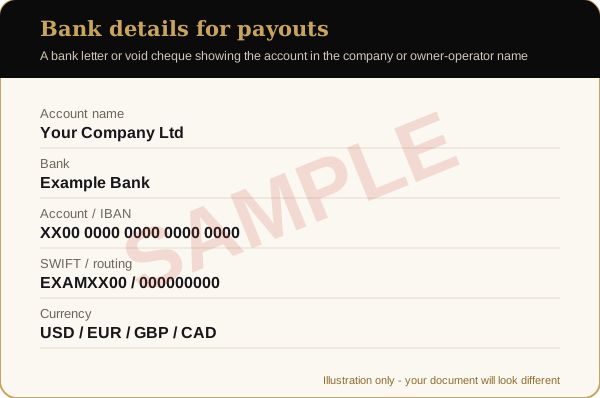
- Names do not match. The licence holder, the insured, the registered owner and the bank-account name are different people or companies, with no lease or letter explaining why.
- The insurance is a personal policy, or it is commercial but does not list the vehicle being offered.
- Something has expired, or expires within 30 days. Renew first, then send the new certificate.
- Pages or sides are missing, most often the insurance schedule or the back of a licence.
- The image is blurred, dark, cropped or has glare across key fields.
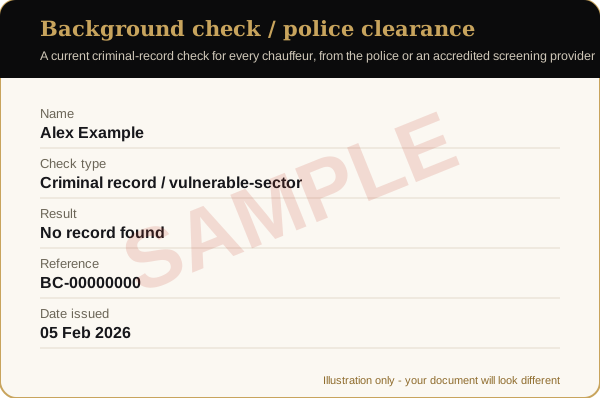
- The background check is too old for the licensing authority or for the partner manager to accept.
- The vehicle does not meet the age rule. Every vehicle must be four model years old or younger; only Rolls-Royce, Maybach and Bentley are accepted up to seven.
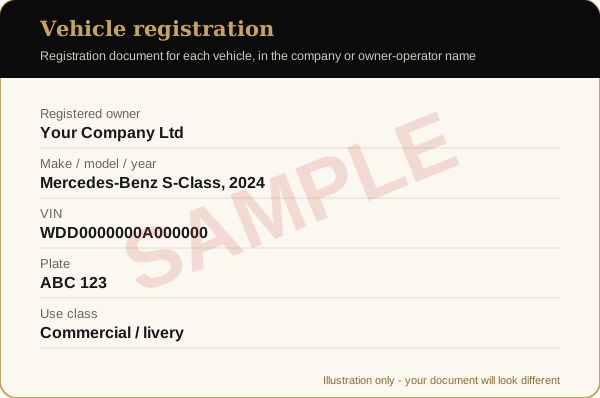
- The vehicle in the photos does not match the registration, for example a different colour or plate.
After approval: keeping documents current
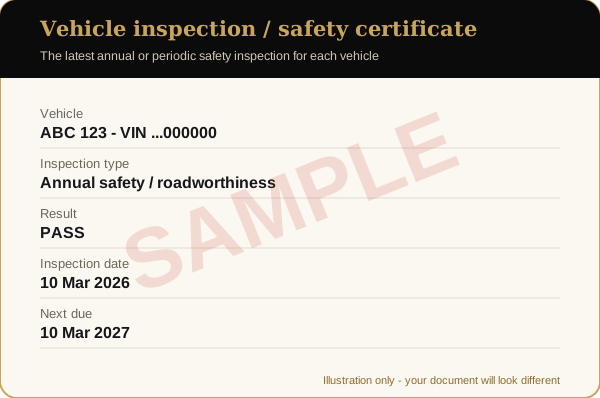
Documents do not stop mattering once you are approved. Expiry dates are tracked, and renewals are requested before they lapse. When you renew insurance or replace a vehicle, send the new certificate or the new registration, inspection certificate and photo set before you accept trips in it. Read the vehicle standards and the affiliate standards for the rules that sit behind each document, and how partner work is paid for what happens after approval.
Documents that differ by country
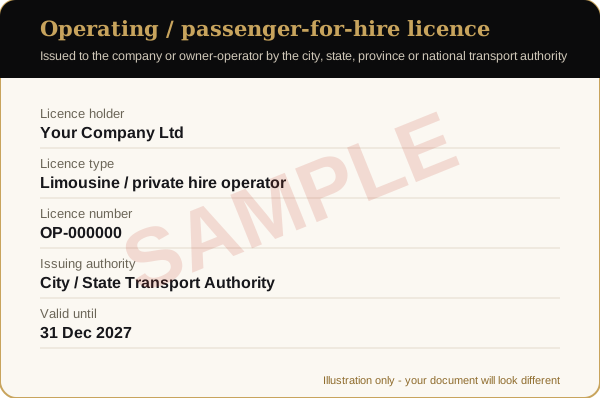
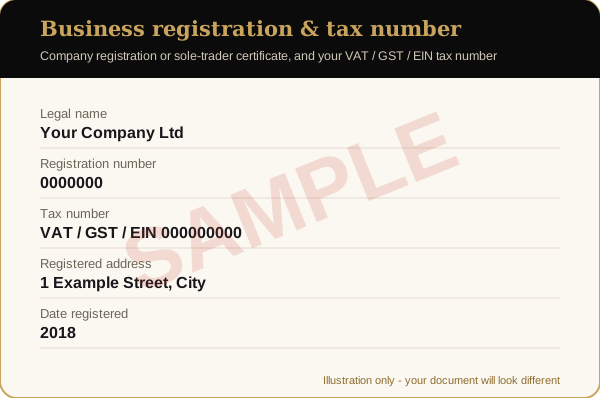
Licensing systems are not the same everywhere. In some places the operator licence and the chauffeur licence are one card; in others the vehicle carries its own permit plate or sticker; some jurisdictions do not issue a separate inspection certificate because inspection is built into registration. If your country issues a document differently from the samples, send what your authority issues and add a short note explaining it. Your licensing authority's website, such as Transport for London for private hire in London, is the best guide to what it issues. The partner manager will tell you if anything further is needed for your city. The aim is always the same: to show that the operator, every chauffeur and every vehicle are licensed and insured to carry passengers for hire where you work.
A final check before you press send
Owner-operators can also check driving with us as an owner-operator, and companies limousine companies and fleet owners, for the documents specific to each. Open every file once more and ask four questions: can I read every word, are all corners and sides included, is anything expired or expiring within 30 days, and does the same name appear on the licence, the insurance, the registration and the bank details? If the answer to all four is yes, the set is ready.